
How to Disable VPN on iPhone (Quick and Simple Steps)
- Posted on December 27, 2024
While keeping a VPN active is generally a good practice for online privacy and security, there are certain situations where turning it off might be necessary. Even the best iPhone VPN can occasionally interfere with certain apps, websites, or network connections. Whether you’re troubleshooting connectivity issues, trying to access specific content, or managing your device’s performance, knowing when to disable your VPN can save time and frustration.
How to turn VPN off on your iPhone
Disabling a VPN on your iPhone is quick and easy, with multiple options depending on your preferences. Whether you prefer using the iPhone’s built-in settings, the VPN app itself, or completely removing the VPN configuration, the steps are straightforward. Below are three methods to help you turn off your VPN effortlessly.
Disable the VPN using the iPhone Settings
- Open the Settings app on your iPhone.
- Go to General and select VPN & Device Management.
- Locate your active VPN and toggle the switch to off.
Turn off the VPN via the VPN provider’s app
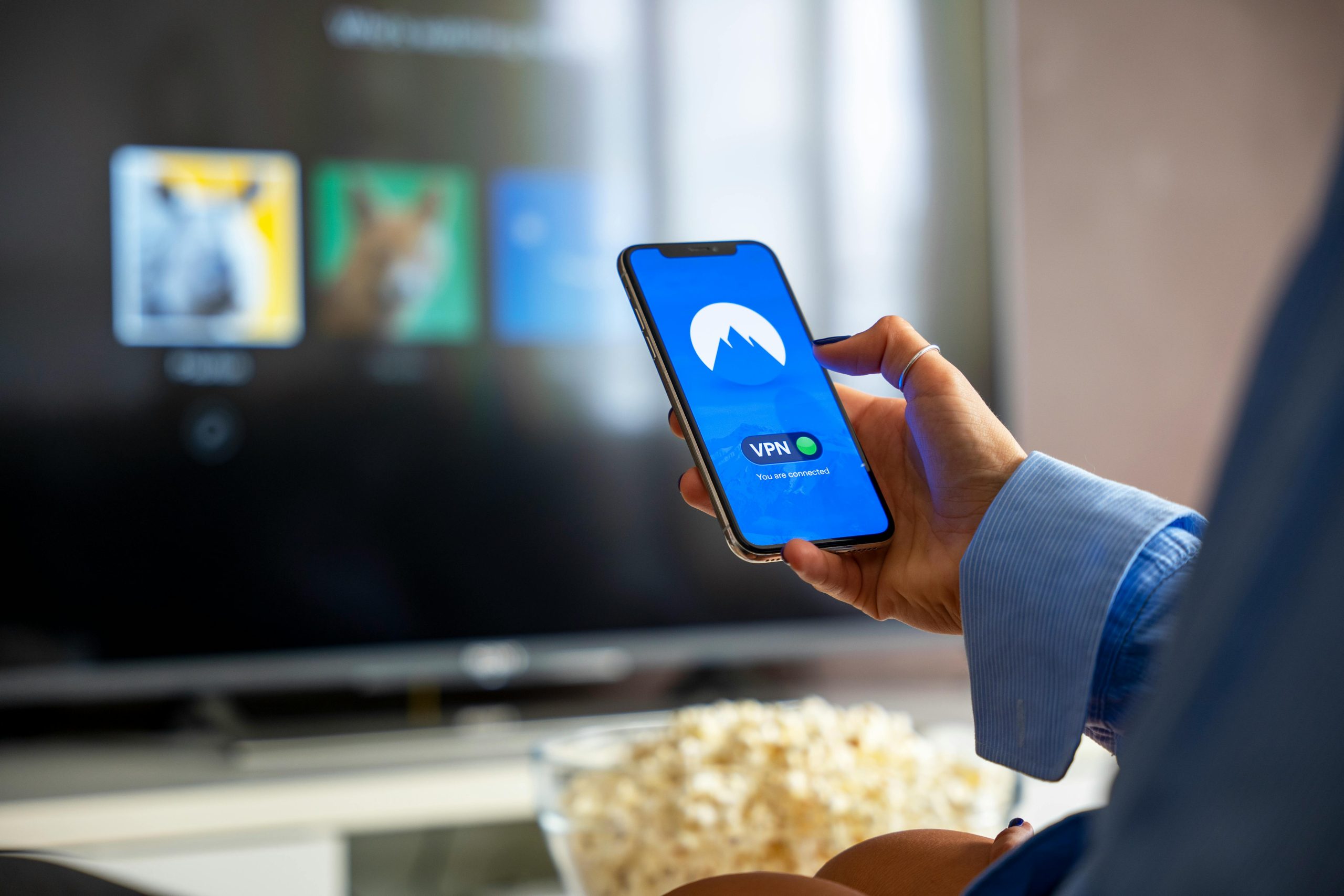
- Launch the VPN app installed on your iPhone.
- Look for the option to disconnect or stop the VPN.
- Tap the button to disable the VPN connection.
Remove the VPN configuration from your iPhone
- Open the Settings app and go to General.
- Select VPN & Device Management, then tap the information icon (ℹ) next to your VPN.
- Choose Delete VPN and confirm your selection to remove the configuration completely.
When should you turn off a VPN on your iPhone
While keeping a VPN active is generally a good practice for online privacy and security, there are certain situations where turning it off might be necessary. Whether you’re troubleshooting connectivity issues, trying to access specific content, or managing your device’s performance, knowing when to disable your VPN can save time and frustration. Here are some common scenarios where turning off a VPN might be the best option:
To troubleshoot internet connectivity issues. If your internet connection seems slow or unstable, the VPN might be interfering. Disabling the VPN can help you determine if the issue lies with your internet provider or the VPN itself.
To access location-restricted content. Some apps and websites may block access when a VPN is active. Temporarily turning off your VPN can allow you to use location-sensitive services or content that otherwise wouldn’t load.
To improve a weak internet connection. VPN encryption can sometimes reduce your internet speed, especially on slower networks. Turning it off can help improve performance when speed is critical.
To conserve battery life. Using a VPN requires additional resources, which can drain your battery faster. If your battery is running low, disabling the VPN temporarily can help extend your device’s usage time.
To resolve app or website VPN conflicts. Certain apps or websites may not work correctly when a VPN is active. Disabling the VPN can often resolve these conflicts and restore functionality.
What happens when you turn off a VPN on iPhone
Turning off a VPN temporarily removes the extra layer of encryption that protects your online activity. Your data is no longer shielded from potential threats, and your IP address may become visible to websites, apps, and advertisers. That said, there are situations where disabling your VPN is perfectly safe and practical.

FAQs
Yes. You should turn on a VPN on your iPhone to enhance privacy, secure your data, and protect your online activity—especially on public Wi-Fi. A VPN encrypts your internet connection and hides your IP address, keeping your information safe from hackers and trackers. It’s a smart choice for safer browsing.
Yes, iPhones have built-in VPN support but not an active VPN service. You can manually configure a VPN in Settings or use a third-party app for easier setup. iOS supports protocols like IKEv2 and L2TP/IPSec, making it compatible with many VPN services for enYes, iPhones have built-in VPN support, but not an active VPN service. You can manually configure a VPN in Settings or use a third-party app for easier setup. iOS supports protocols like IKEv2 and L2TP/IPSec, making it compatible with many VPN services for enhanced privacy and security.
To check if a VPN is enabled on your iPhone, look for the small “VPN” icon in the status bar at the top of your screen. You can also confirm by going to Settings > General > VPN & Device Management, where the status of your VPN connection will be displayed.
Yes, it’s generally okay to leave your VPN on all the time on your iPhone, as it ensures constant privacy, secure data encryption, and protection from online threats. However, it may slightly impact battery life and internet speed. Consider disabling it temporarily if you’re troubleshooting or using trusted home networks.
While keeping a VPN active is generally a good practice for online privacy and security, there are certain situations where turning it off might be necessary. Even the best iPhone VPN can occasionally interfere with certain apps, websites, or network connections. Whether you’re troubleshooting connectivity issues, trying to access specific content, or managing your device’s…